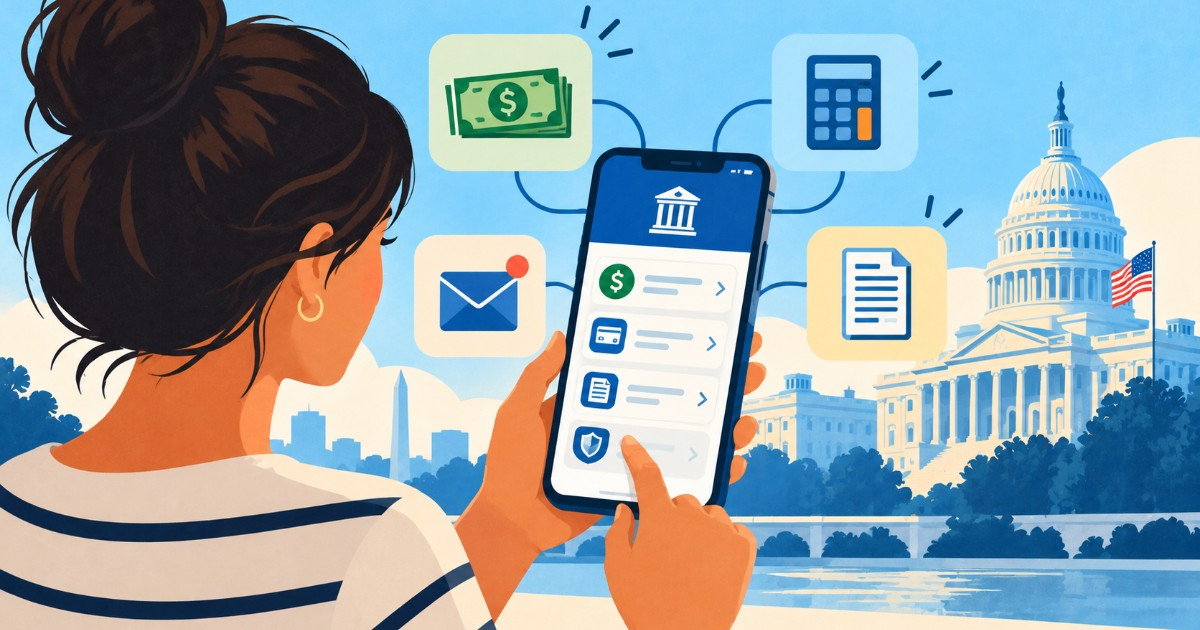
The United States Internal Revenue Service (IRS) has launched a new mobile application to take the place of the well-known IRS2Go, significantly enhancing the range of tax-related tasks that taxpayers can now manage from their smartphones.
Named simply as the IRS app, this new tool is free for both Apple and Android devices. It allows users to check the status of a refund, review outstanding balances, make payments, and access certain IRS letters and tax records.
According to the IRS, the transition officially began on September 25, 2026.
Existing IRS2Go users don't need to install a different app. If automatic updates are enabled on their devices, the old app will seamlessly update to become the new IRS app.
Traditional Features Still Available Without Logging In
Some of the traditional functionalities of IRS2Go remain accessible without needing to log into a personal account. These include:
- Checking the status of a tax refund.
- Viewing the status of an amended return.
- Making certain payments.
- Finding free options for tax filing assistance.
These features are particularly handy during the tax season for individuals who only need to verify whether the IRS has processed their return or when they might receive a refund.
Enhanced Features After Secure Login
The primary enhancement over IRS2Go lies in the tools available once a secure login is completed. The IRS app now allows access to certain information that was previously available mainly through individual accounts on IRS.gov.
New features include:
- Viewing available tax debt balances.
- Making payments and reviewing payment history.
- Accessing certain IRS notices and letters.
- Reviewing tax records and available transcripts.
- Managing specific profile preferences and communications.
- Accessing the Identity Protection PIN (IP PIN).
The IRS plans to continue enhancing the app with additional tools and services in the future.
Secure Login Process Explained
To access personal features, users must log in through the secure system used for the IRS Individual Online Account. The app's official page explains that users will be temporarily redirected to a secure browser tab to verify their identity using ID.me.
Once verification is complete, users return to the app. Those without an account will need to complete the necessary identification process beforehand.
Access to IRS Letters via Mobile
One of the most valuable additions is the ability to view certain official IRS notices and letters directly from a mobile device. The IRS uses these communications to inform taxpayers about issues such as return changes, outstanding balances, information requests, or specific decisions related to their tax accounts.
However, not all IRS correspondence will be available within the app. The agency describes this feature as providing access to selected notices and letters.
Downloading Tax Records and Transcripts
The new app also expands mobile access to certain tax records. Taxpayers can view and download available transcripts and documents related to informational returns from their accounts.
These transcripts can be helpful for verifying declared income, preparing a new return, responding to certain financial requests, or reviewing past information.
IP PIN Accessibility
The app also includes access to the Identity Protection PIN (IP PIN), a six-digit code the IRS uses to help prevent someone else from filing a federal return using a taxpayer's Social Security number or ITIN fraudulently.
Those already using this protection mechanism can view their available code through the new app's account features.
App Complements, But Does Not Replace IRS.gov
While introducing new features, the IRS emphasizes that the mobile app does not substitute IRS.gov or the comprehensive tax accounts available on the website. Initially, the app provides access to certain tools from the Individual Online Account, intended for individual taxpayers.
Currently, it does not include all existing features of that account and does not offer the complete tools associated with Business Tax Account or Tax Pro Account. Taxpayers will continue to need IRS.gov for forms, publications, detailed guidance, and other procedures not integrated into the app.
The app is available in both English and Spanish. Official information specifies that it requires devices with iOS or iPadOS 15.1 or later, and Android devices need version 7.0 or later. The download is free of charge.
Existing IRS2Go Users: Minimal Action Required
For users who already had IRS2Go installed, there’s no need to search for a new app. If automatic updates are enabled, IRS2Go will automatically update to the new IRS app.
Those with automatic updates disabled can manually update via the Apple App Store or Google Play.
Beware of Fraudulent IRS App Imitators
The release of an official new app might also be exploited by scammers creating apps, ads, or links that attempt to impersonate federal government entities.
The IRS advises downloading the app only through verified links available on IRS.gov or by carefully checking the official listing on Apple App Store and Google Play. Taxpayers should not download apps from unsolicited ads, texts, emails, or pop-up messages.
The IRS also warns that it does not request personal or sensitive financial information via text messages, emails, or unexpected pop-ups. If an app pretends to be official, the IRS provides a mechanism to report potential fraud and impersonations.
Timely Launch Close to October 15 Deadline
The app's release is timely for millions of taxpayers, with the October 15, 2026, deadline approaching for those who requested an extension for filing their 2025 federal tax return. CiberCuba recently reported on this deadline and clarified that the extension to file does not automatically extend the time to pay owed taxes.
This new app may prove beneficial for those needing to review a balance, verify payments made, or access specific account information before or after filing their return.
Ensure You’re Installing the Correct App
The safest approach is to avoid searching for the app through sponsored ads or links received via messages. The IRS itself recommends:
- Going directly to IRS.gov.
- Accessing the application’s official page.
- Using verified links from there to the Apple App Store or Google Play.
- Avoid entering tax credentials on apps or sites opened from unexpected messages.
For those who already used IRS2Go, the transition is straightforward: the new IRS app is the official evolution of that same application, not a private app or a commercial tax preparation service.
This change significantly broadens the range of tasks that can be managed from a phone, although IRS.gov remains the primary platform for accessing the complete suite of federal tax services, forms, and tools.
Frequently Asked Questions About the New IRS App
What new features does the IRS app offer over IRS2Go?
The IRS app offers enhanced features including checking tax debt balances, making payments, viewing IRS letters and notices, accessing tax records and transcripts, managing profile preferences, and accessing the Identity Protection PIN.
How does one securely log into the new IRS app?
Users need to log in through the secure system used for the IRS Individual Online Account. This involves verifying identity via ID.me on a secure browser tab before accessing the app's features.
Is the new IRS app available in multiple languages?
Yes, the IRS app is available in both English and Spanish, making it accessible to a broader audience.